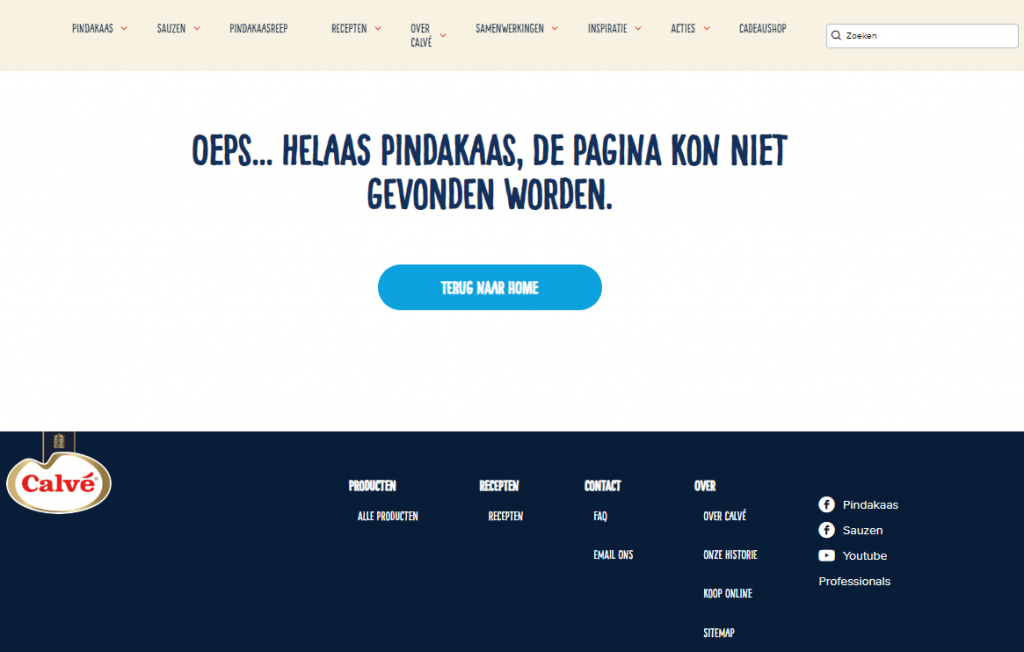
Oops, this page doesn’t exist! Is this sufficient for a 404 page, or are there better ideas? A 404 page occurs when the desired content cannot be displayed on a web page. For whatever reason: this can happen on any website from time to time. Ideally, you want to redirect 404 pages as quickly as possible, but that doesn’t always happen, of course.
As a website administrator, it’s important to respond thoughtfully to this scenario, for example by turning that 404 page into something fun. Later in this article, you’ll read how you could do that. First, here’s some more detailed information about 404 pages.
What exactly is a 404 page again?
A 404 page is a page displaying an error message. In this case, it refers to a website that can be opened but cannot display the requested page. Of course, as a website administrator, you don’t want this to happen, but if it does, you’d better make the best of it. Below, you’ll read about various ways to do that, after which we’ll share a few fun examples of often humorously designed 404 pages for inspiration.
How do you handle a 404 page?
If you have one or more 404 pages on your website, you can handle them in the following ways:
- You can set up a 301 redirect. This redirects the visitor to the page where the desired information is actually available.
- Determine whether any of the 404 error messages are due to an error in a backlink. If so, try to have this resolved by the owner of the external website in question.
- Is a 404 error the result of a broken internal link? Then correct that link.
- If it’s temporarily or structurally impossible to avoid 404 pages entirely, at least design them in a smart way. For example, add some useful internal links or, even better, turn it into a page with a humorous twist. This way, you ensure that the website visitor gets rid of their disappointment or frustration.
Good examples of 404 pages
A humorous page, in other words. That’s the best way to turn a disappointed internet user’s face into a happy one. Here are some examples of how companies have already managed to achieve this:
- Mailchimp is one of the largest email marketing platforms in the world. Their 404 page certainly doesn’t disappoint. They state, “We lost this page. We searched high and low but couldn’t find what you’re looking for. Let’s find a better place for you to go.” It also includes a link to the retro game Horse Snake.

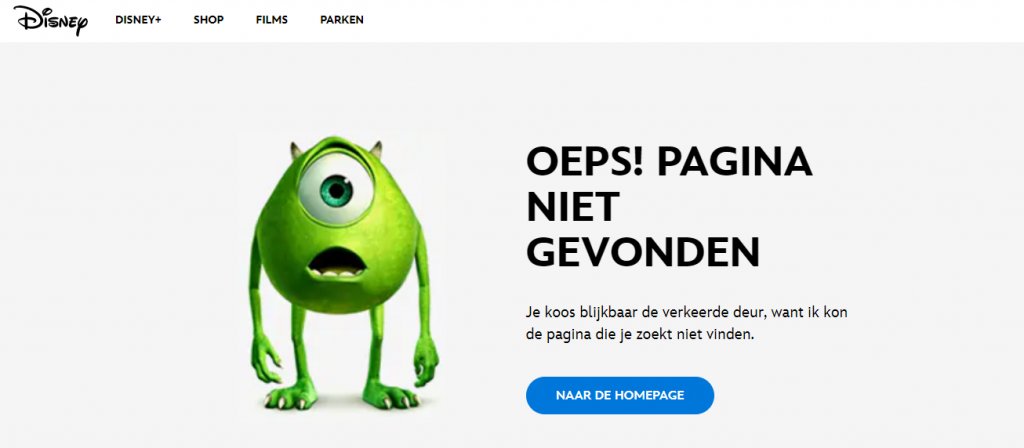
- The even more famous Disney also turns it into a cheerful affair. “You didn’t break the internet, but we can’t find what you are looking for,” it reads. The 404 page also features a well-known Disney character staring blankly into space.
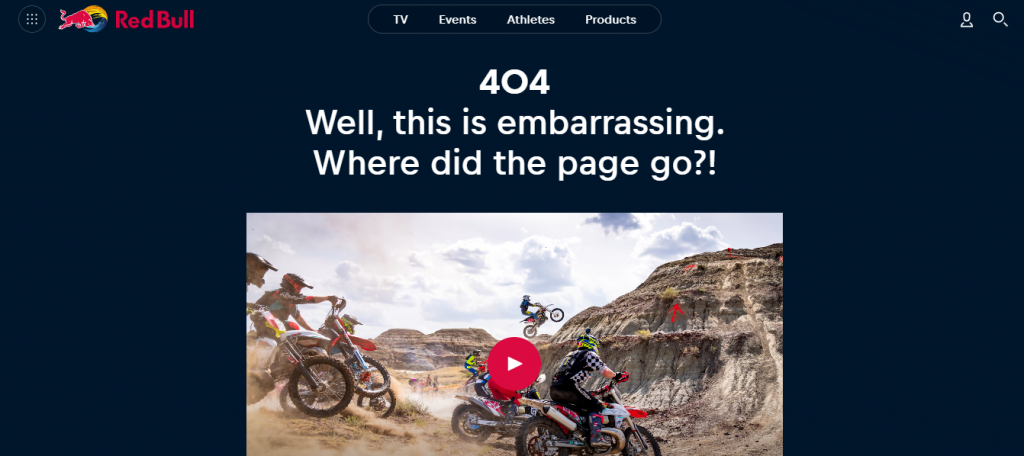
- The people behind Red Bull’s official website have also been very creative. You’ll read there, “Well, this is embarrassing. Where did the page go?!”, after which the page is enriched with various spectacular sports videos in which Red Bull is or was involved in some way (for example, as a sponsor or partner).
- Calvé keeps it simple yet effective in this regard. They use one of the simplest Dutch expressions to their advantage, and wisely keep it on their 404 page as “Too bad, the page couldn’t be found.”