For your website or online store, you want your images to look good and also be SEO-optimized. It is recommended to edit photos before they are displayed, posted, or published. A course in photography and/or photo editing offers many benefits, but even people without this background can edit photos. There are various free online tools available that allow you to edit a photo online.
Why edit photos?
Online photo editing serves two key purposes for effectively establishing your website or online store:
Aesthetic adjustments
Minor distortions, too little or too much light, imperfections in contrast; these are all aspects that make a photo much less appealing. By performing a few edits, you can ensure that these imperfections are corrected. This can be essential for, for example, product photos for a product detail page.
If you include high-quality photos with a product in your online store, there’s a better chance that a visitor will stick around and keep reading. There’s a good chance this will ultimately even lead to a higher conversion rate.
SEO optimization of images
As described, you want attractive product images that complement your product range and make it stand out. In addition to attractive images, you also want images that are optimized so they rank highly in SEO.
If your website loads images of 2–3 MB, this will not be ideal for an individual product detail page in your online store. Assuming an average of 4–8 images on a product overview page—the page where your individual products are listed—you can expect your users to have to load between 8 MB and even 24 MB. Depending on your user’s network connection, this can take 2–5 seconds of valuable time.
Tip: Try optimizing your website images and reducing their size to 10–50 KB so users can load your website faster.
Good online tools for photo editing
There are various tools available online that allow you to edit photos. We would like to highlight the following tools in particular:
1.) Pixlr
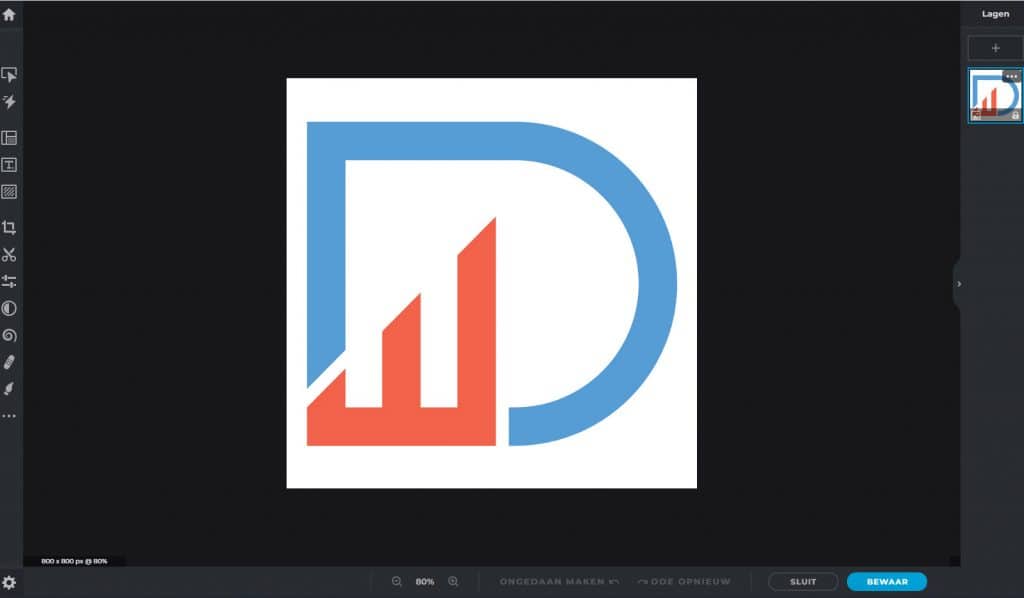
This is a unique tool, as its interface closely resembles the well-known Photoshop. However, you can use Pixlr’s services for free. Pixlr also comes in two versions. With Playful Pixlr Z, you can only adjust the format and crop the photo. If you use Advanced Pixlr E, you can access all the features Pixlr has to offer.
Try Pixlr: https://pixlr.com/nl/
2.) BeFunky
Another excellent free photo editing tool is BeFunky. This tool is best known for its extensive and numerous photo editing capabilities. In fact, you name it, and BeFunky can do it. In addition, BeFunky includes a collage maker and a design tool.
Try BeFunky: https://www.befunky.com/
3.) Photoshop
When discussing photo editing software, Photoshop naturally cannot go unmentioned. This is likely the most comprehensive tool you’ll find in this regard. Professional photographers and designers use it regularly. You do have to pay for Photoshop, though; alternatively, you can opt for the free (and more limited) Photoshop Express.
Try Photoshop Express: https://www.adobe.com/nl/products/photoshop-express.html
4.) GIMP
Finally, another photo editing tool known for its high quality is GIMP. GIMP is characterized by extensive editing capabilities and impressive results. According to experts, the free GIMP program even offers more than some other programs you have to pay for.
Try GIMP: https://www.gimp.org/